
The new Rezneed calendar: drag, filter, see it all at a glance
The Rezneed calendar has been updated: drag to move bookings, week view, status filter, staff order and time step. What's changed and how to use it.
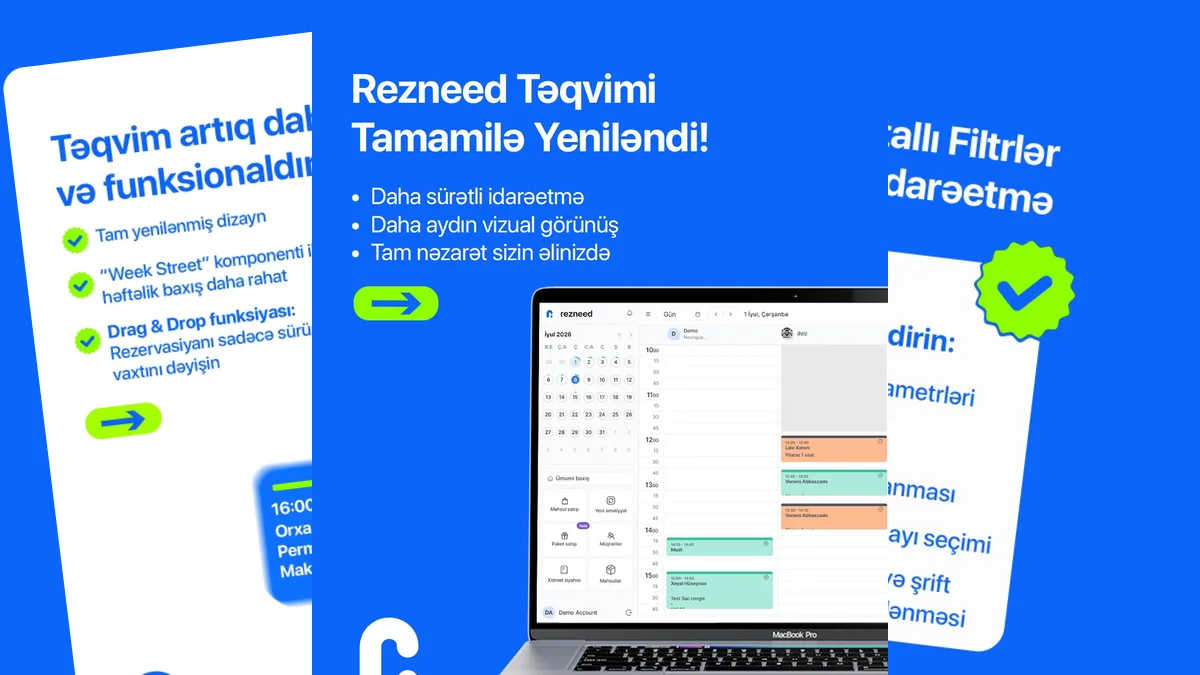
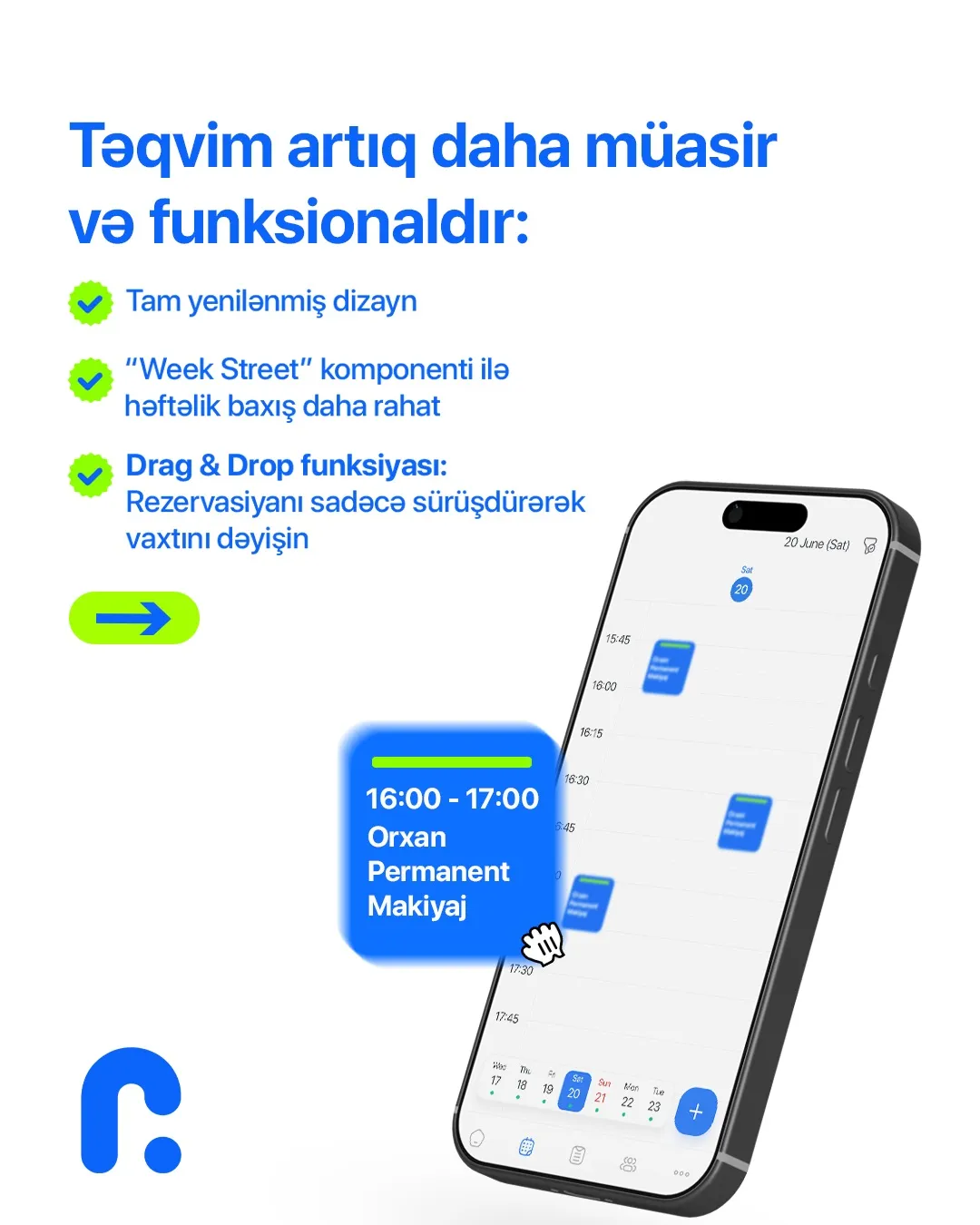
How many clicks does it take to change the time of a booking? In the new calendar, none: you grab the booking and drag it to the time you want, or into another specialist’s column.
The calendar is the most-opened screen in Rezneed. The receptionist starts the day with it, specialists see their next client there, and the owner follows how the day is going from it. So the aim of this update wasn’t to add new buttons, but to get the daily work done with fewer moves.
What’s changed
- Drag to move. Just drag a booking to another time or another specialist. In the web panel you can also drag its edge to make it longer or shorter.
- Let the client know? When you move a booking, the system asks whether to send the client a notification about the new time. Internal adjustments don’t bother the client; for a real change, they get the message straight away.
- Day, three days and week. The week view shows the whole week on one screen: quiet days and busy days stand out at a glance.
- Colour-coded statuses. Pending, confirmed, started, completed and cancelled bookings each have their own colour.
Fit the calendar to the way you work
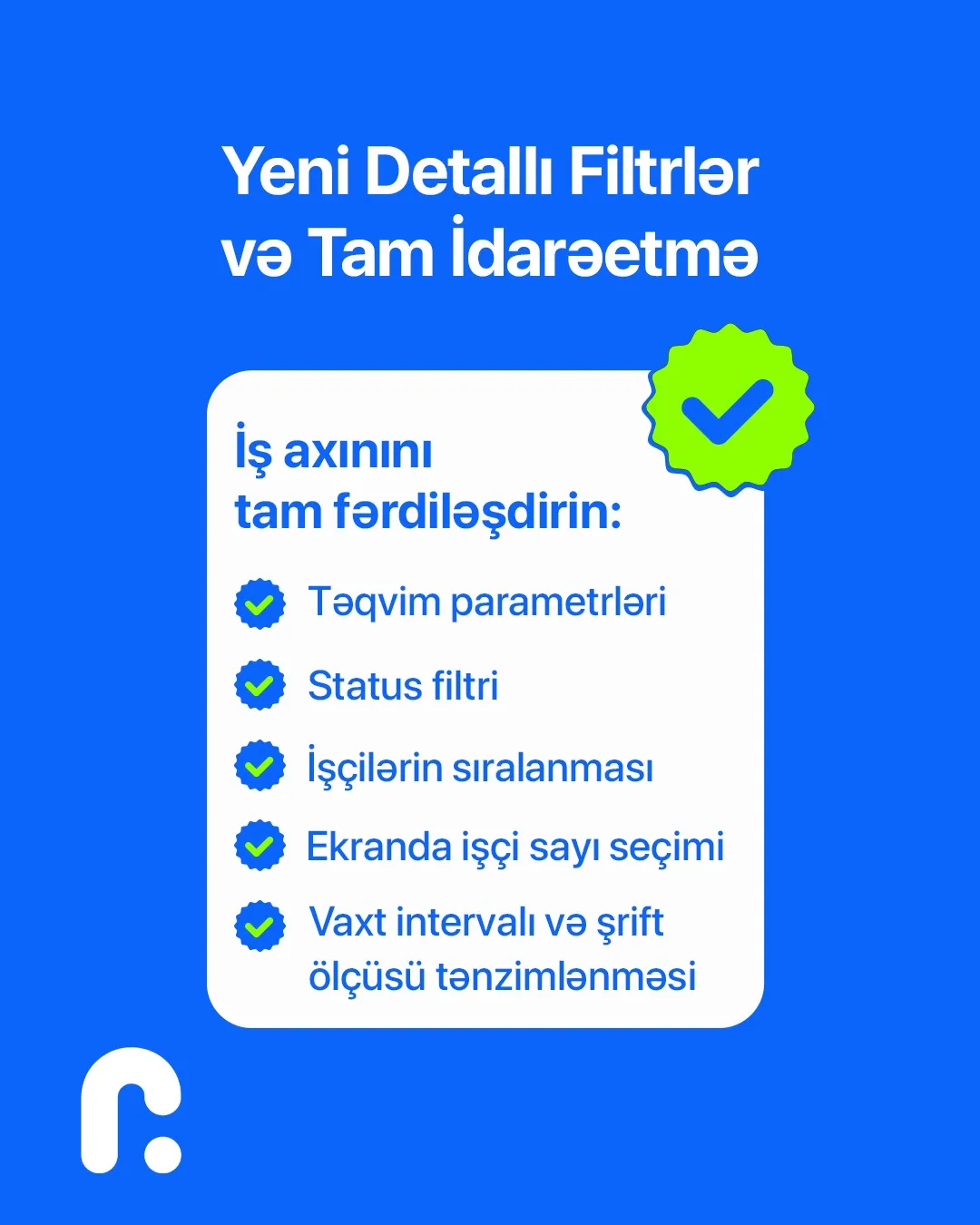
Every business has a different kind of day: in a barbershop, 30-minute cuts run back to back, while in a cosmetology clinic one treatment can take two hours. That’s why the calendar’s settings can be changed:
- Status filter — for example, to see only online bookings waiting for confirmation.
- Staff order — keep your busiest specialists on the left and the ones who rarely work on the right.
- Staff on screen — so the columns don’t get too narrow in a large team.
- Time step and font size — a 15-minute step suits short services, a 30-minute step is more comfortable for long treatments.
You set these up once, and the calendar opens your way every time.
What else the calendar does
- Blocking time. When a specialist goes for lunch or to a meeting, you block that slot, and it’s closed both to reception and to your online booking link.
- The day’s revenue. Revenue for the day is shown in the calendar itself; there’s no need to open a separate report.
- Change history. Every booking keeps a record of who changed what and when. “Who moved this client?” is answered in one click.
- The same calendar on your phone. In the mobile app, specialists see their own day and get a notification when a new booking comes in. A change made in the web panel shows up on the phone straight away.
Who benefits most
Salons with large teams gain the most from dragging and staff ordering: dozens of moves a day eat up hours of reception time. For clinics that work with long treatments, the week view and the time step matter more. In a padel club, courts are set up as separate columns in the calendar, and the booking page never offers a time that’s already taken.
Everything the calendar can do is on the Calendar page. The update is already live on every account; if you don’t have one yet, try Rezneed free for 45 days, no card required.