How to add a booking link to your Instagram bio
Clients message in the evening, you reply in the morning and they've booked elsewhere. How a booking link in your Instagram bio fixes that, and 3 mistakes.
For most beauty businesses, Instagram is where most new clients come from. But much of that flow gets stuck in the DMs: a client writes “hi, any free slots tomorrow?”, the reply arrives an hour later, and by then they’ve already booked somewhere else.
The problem isn’t your receptionist — they’re busy with the client in the chair. The problem is that booking has turned into a conversation.
Why DMs are slow
A single booking over DM usually takes five or six messages: which service, which stylist, which day, what time, how much, where are you. And there’s a wait between every one of them.
On top of that, clients tend to write exactly when you’re closed — in the evening, after work, at the weekend. Say three people message you at 10 pm. By the time you open in the morning, one has booked elsewhere, the second saw your reply and forgot about it, and only the third actually comes in.
A link works at night too: the client sees the free slots and books on the spot.
What the link should do
Not just a “message us” link. A proper booking link should show the client three things:
1. Services and prices. Hiding prices creates questions in the DMs, and questions take time. When the price is visible, the client picks a slot instead of writing “how much is it?”.
2. Slots that are genuinely free. This is the most important part. The times shown must account for the stylist’s schedule, lunch break and existing appointments. Otherwise two bookings land in the same slot and you end up calling one of them to apologise — which is worse than having no link at all.
3. A choice of stylist. Some clients come for a specific person. If they can’t choose, they go back to the DMs.
How to place it in your bio
Your Instagram bio has room for only a few links, and the first one gets the most taps, so order matters:
- If booking is all you need — put the booking link there directly. The shortest path is the best one.
- If you need several links (booking + address + price list) — use a link-in-bio page, but put booking first.
Say what to do in the bio text: “Book online ↓” or “Book here ↓”. It looks trivial, but it tells the client straight away what the link is for.
Other places for it:
- A link sticker in Stories — especially when you announce a promotion
- Highlights — a separate “Booking” highlight
- The last line of every caption: “Book via the link in bio”
- Google Maps — the “website” field of your profile — and your WhatsApp Business profile. The link works anywhere.
Don’t shut the DMs completely
The link doesn’t replace DMs. Some clients prefer to write, especially first-timers and anyone with a complicated question (“my hair is like this — which treatment is right for me?”).
The approach that works: answer the question, then send the link at the end. “Keratin will suit you; it’s 150 ₼ and takes 3 hours. You can pick a time that works for you here: [link]”. You answer the question and take the booking out of the chat at the same time.
Three mistakes when setting up the link
Mistake 1 — listing every service. Clients get lost in an 80-item list. Show your 15–20 best sellers and keep the rest for DMs or phone calls.
Mistake 2 — leaving out durations. If a client blocks 30 minutes for a 3-hour treatment, your whole day falls apart. Once the duration is visible, that problem goes away.
Mistake 3 — switching on automatic approval and forgetting about it. When you’re starting out, manual approval is safer: the booking arrives as a notification, you check it and confirm. After two or three months, once everything has settled, switch to automatic approval.
In Rezneed
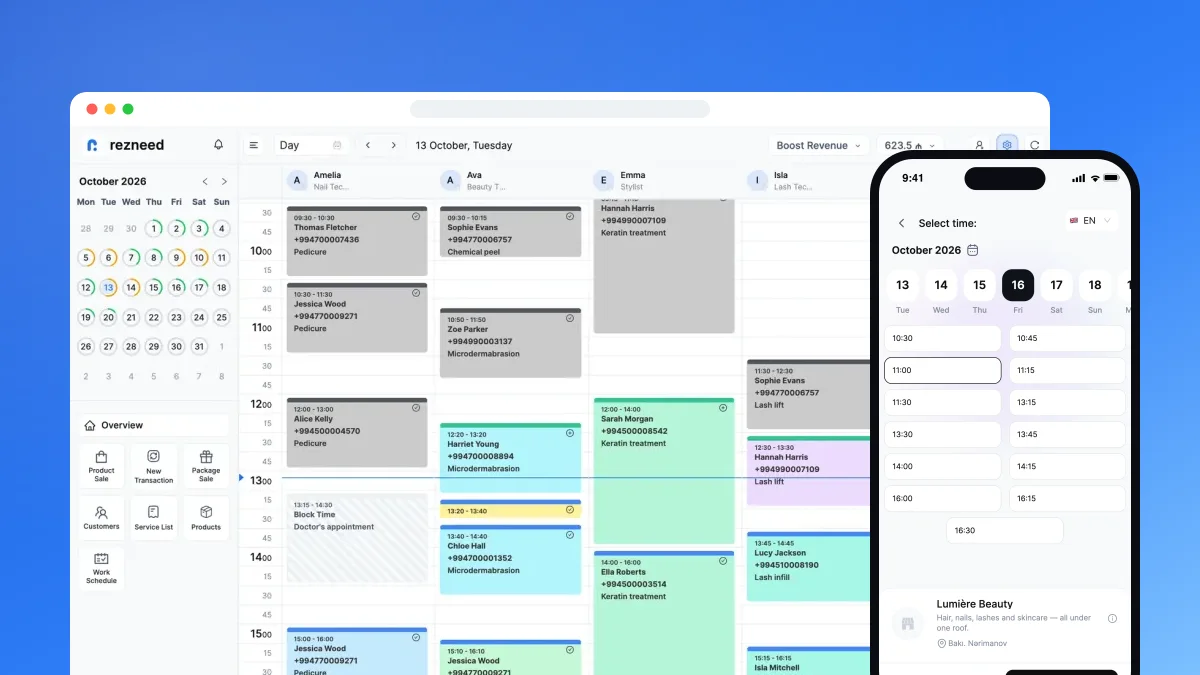
The online booking link (link.rezneed.com/yoursalon) is ready the moment you open an account — no separate website to build. The client picks a location, service, specialist and time, then enters their name and phone number. Only genuinely free slots are shown: the specialist’s schedule, breaks and other appointments are all taken into account.
The client doesn’t need to download an app or create a password — the link opens in the browser, and the booking page works in six languages. Approval can be automatic or manual, and you set a minimum booking notice for each specialist. When a booking comes in, you get a notification and the client gets a confirmation from your own WhatsApp number. New bookings appear in the calendar straight away.
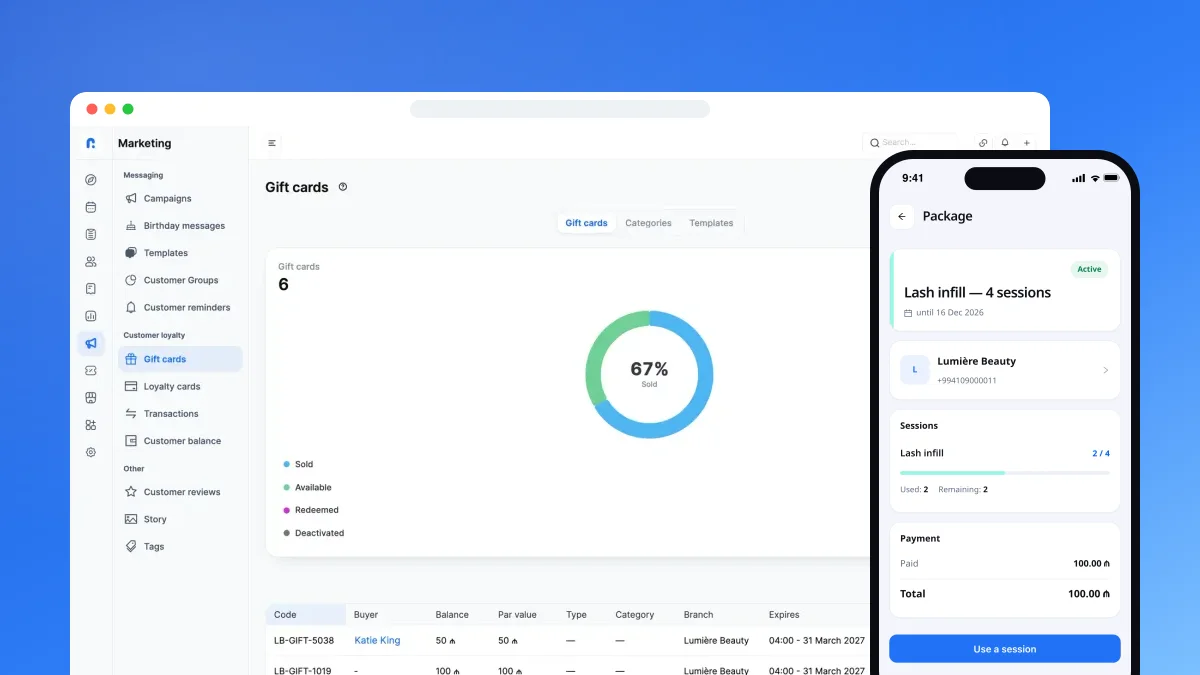
Returning clients can sign in to the client portal with their phone number and a WhatsApp code to see their bookings, the package they bought and the sessions left on it.
Instagram’s “Book Now” button is coming soon; until then, the link in your bio and Stories does the same job.
Set up your own link today: try Rezneed free for 45 days, no card required.