Salon price list template: how to build one
Categories, durations, “from” prices, prices by stylist level and add-ons: how to build a price list clients understand, with a ready-to-use template.
A price list isn’t just a table of numbers. For the client it’s a decision tool: what can I have done, how long will it take, what will I pay. For the salon it’s the foundation of the diary: if a service’s duration is wrong, the whole day slips by the afternoon.
A badly built list generates the same DMs over and over: “How much is this?”, “Is it the same price for long hair?”, “How long does it take?”. A good one answers most of those before they’re asked.
1. Group services the way clients think
Clients think “I want my hair done today”, not “service code 14”. Keep the categories plain:
- Hair: cuts and styling
- Hair: colour
- Hair: treatments
- Nails
- Brows and lashes
- Facials
Five to twelve services per category is easy to scan. In a category with 30 lines, clients get lost and message you instead of booking.
2. Three things on every line: name, duration, price
Name — in the client’s words: “Cut and blow-dry”, “Gel polish (hands)”. No internal shorthand.
Duration — the real one, not the ideal one. If a colour takes two hours, don’t write 90 minutes. This number fills your diary.
Price — fixed wherever possible. If it depends on hair length or thickness, you have two options:
- Split into variants: “Full colour — short hair”, “— medium”, “— long”. The client picks.
- Use a “from” price: “Full colour — from 60”. Then add one line explaining what pushes the price up: “depends on length and the amount of colour used”.
Don’t put “from” on everything — the list looks vague and clients start expecting surprises.
3. Pricing by stylist level
Many salons charge different prices for the same service depending on who does it. That’s fine, as long as it’s clear.
- Two or three levels are enough: for example “stylist”, “senior stylist”, “art director”. Five levels just confuse people.
- The difference must be explainable: experience, specialism, demand. If you can’t explain the gap to a client in one sentence, you probably don’t need it.
- Show the level on the list: either as separate lines (“Cut — senior stylist”) or as two or three price columns.
The rule: clients should know what they’ll pay before they book, not at the till.
4. Add-ons
An add-on is its own line with its own price and its own duration: “Bond treatment — +15 min”, “Nail art (1 nail) — +5 min”. An add-on without a duration doesn’t show up in the diary and makes the next client wait.
List add-ons right next to the main service so clients can choose them there and then.
5. Ready-made template
| Category | Service | Time | Stylist | Senior stylist |
|---|---|---|---|---|
| Hair: cuts | Women’s cut and blow-dry | 60 min | [price] | [price] |
| Hair: cuts | Men’s cut | 40 min | [price] | [price] |
| Hair: colour | Root colour | 90 min | [price] | [price] |
| Hair: colour | Full colour — long hair | 150 min | from [price] | from [price] |
| Hair: treatments | Bond treatment (add-on) | +15 min | [price] | [price] |
| Nails | Manicure + gel polish | 90 min | [price] | [price] |
| Nails | Nail art, 1 nail (add-on) | +5 min | [price] | [price] |
Adjust the columns to your salon. If you don’t have levels, one price column is enough.
6. Price from your costs
The salon next door shows you the market, not your costs. Check your minimum price like this:
Minimum price = (materials + hourly cost of the station × duration) ÷ (1 − commission rate)
Example (assumed figures, swap in your own): fixed costs of 2,800 a month, 3 stations, 8 hours a day, 26 working days — a station-hour costs about 4.5. A 2-hour colour, 18 in materials, 40% commission:
(18 + 9) ÷ 0.6 = 45 — that’s break-even with zero profit. Price it lower and the salon loses money on every colour. Your margin goes on top.
For the full picture of costs: how to open a beauty salon.
7. Showing your prices online
- The same price everywhere. One price on Instagram, another on the booking page and a third in the salon is the fastest way to lose trust.
- Don’t put every service online. Your 15–20 best sellers are enough; complex services can stay consultation-only.
- A dedicated “Prices” highlight on Instagram, with the booking link on the last slide.
- Date your list when prices change and tell regular clients in advance. One or two increases a year go down better than frequent small ones.
How to place the link on Instagram: Instagram booking link.
How Rezneed handles it
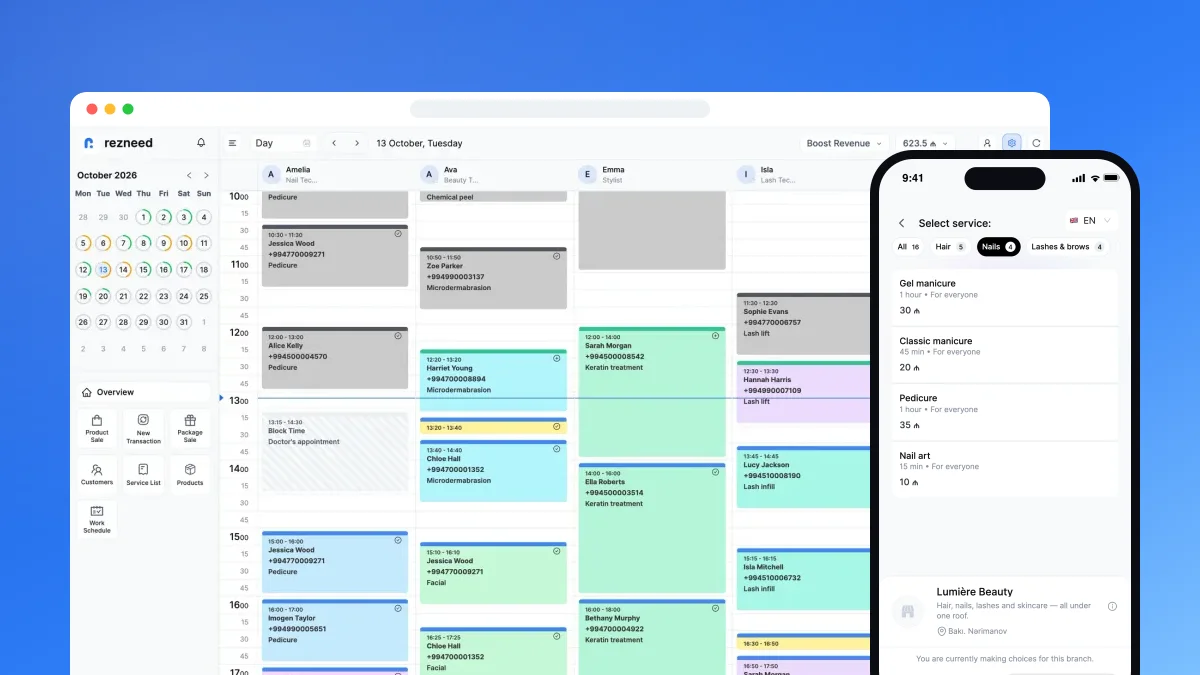
Services are organised into categories, each with a duration and a price. To get started you can pick from 281 ready-made service templates, and in the web panel “Translate with AI” turns service and category names into other languages — so clients see the list in their own language on your online booking link.
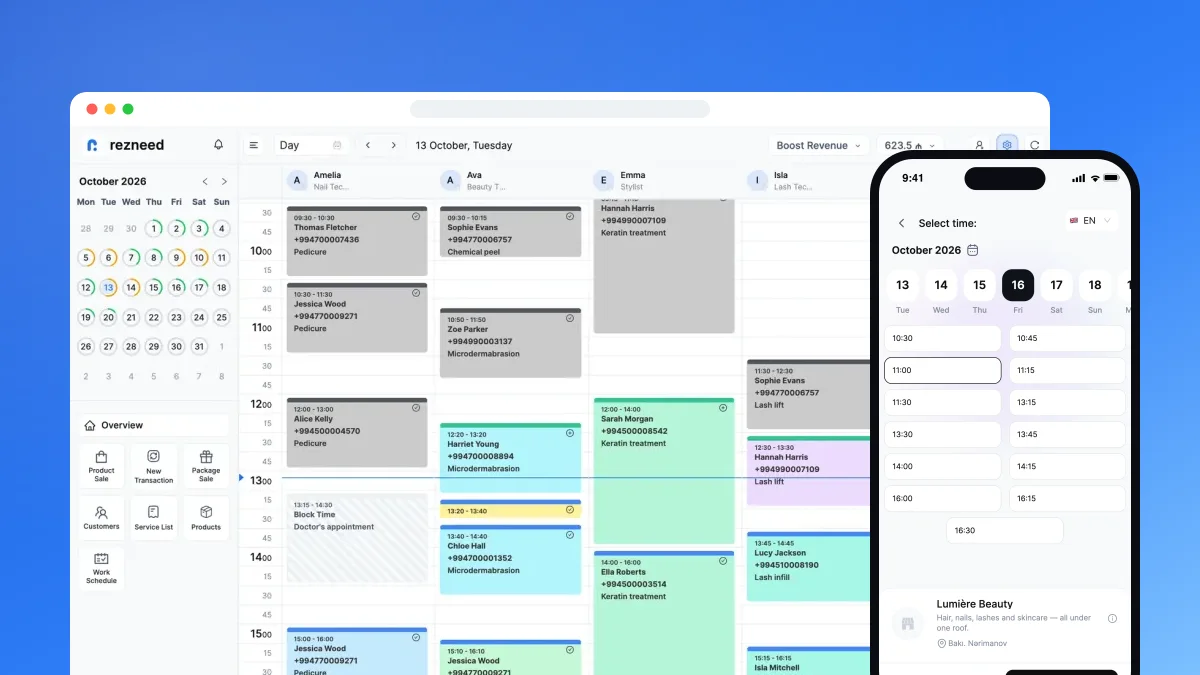
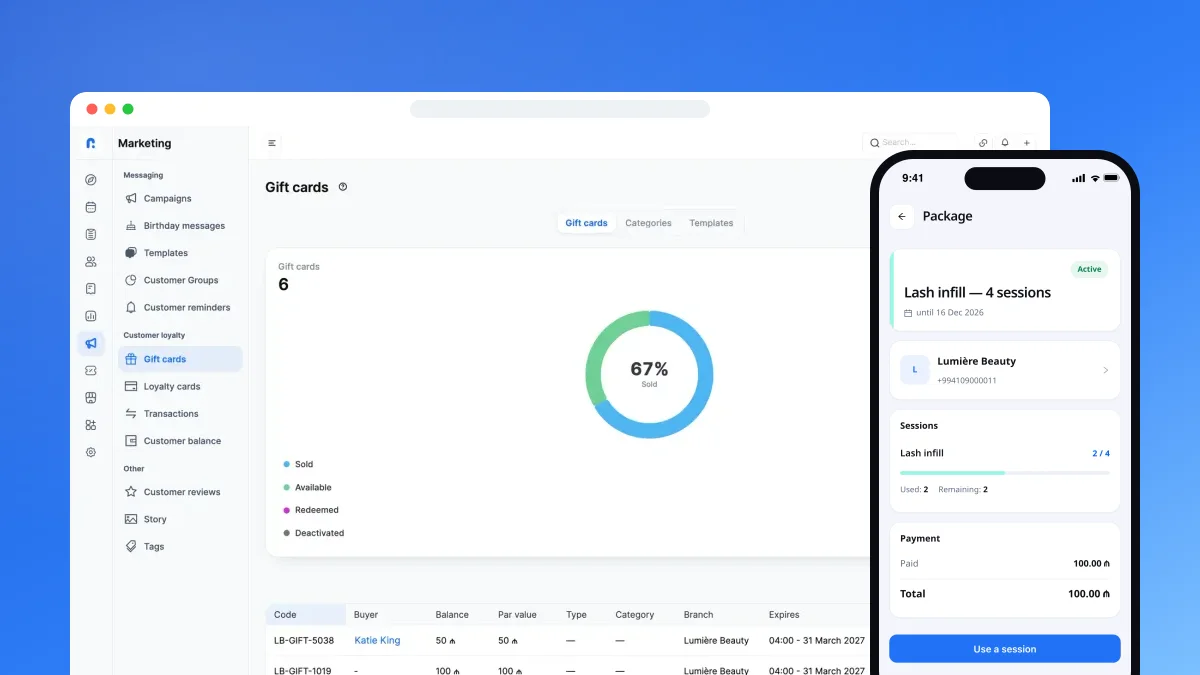
Durations feed straight into the calendar: clients only see free slots the service actually fits into. Courses and multi-session bundles are sold separately as packages. And the reports show how much each service earns — the most useful number to look at before you change a price.
Build your price list today: start your 45-day free trial. No card required.