How to choose salon software and a salon CRM: 9 questions
9 questions to ask before choosing salon software or a salon CRM: client cards, booking, WhatsApp, client groups, till, packages, permissions, app, price.
A CRM is software for managing your relationship with clients. Put simply, it keeps track of who came in when, what they had done, what they paid and when they are due back. In large companies a CRM belongs to the sales team. In a salon, barbershop or clinic, the CRM is the daily work itself: bookings, reminders, the till and the client card.
That is why a general-purpose business CRM rarely fits a salon. It has “deals” and a “sales pipeline”, but no appointment calendar, no staff schedules and no WhatsApp reminders. Below are nine questions to ask when choosing salon software, each with specific things to check in the demo.
1. What does the client card hold?
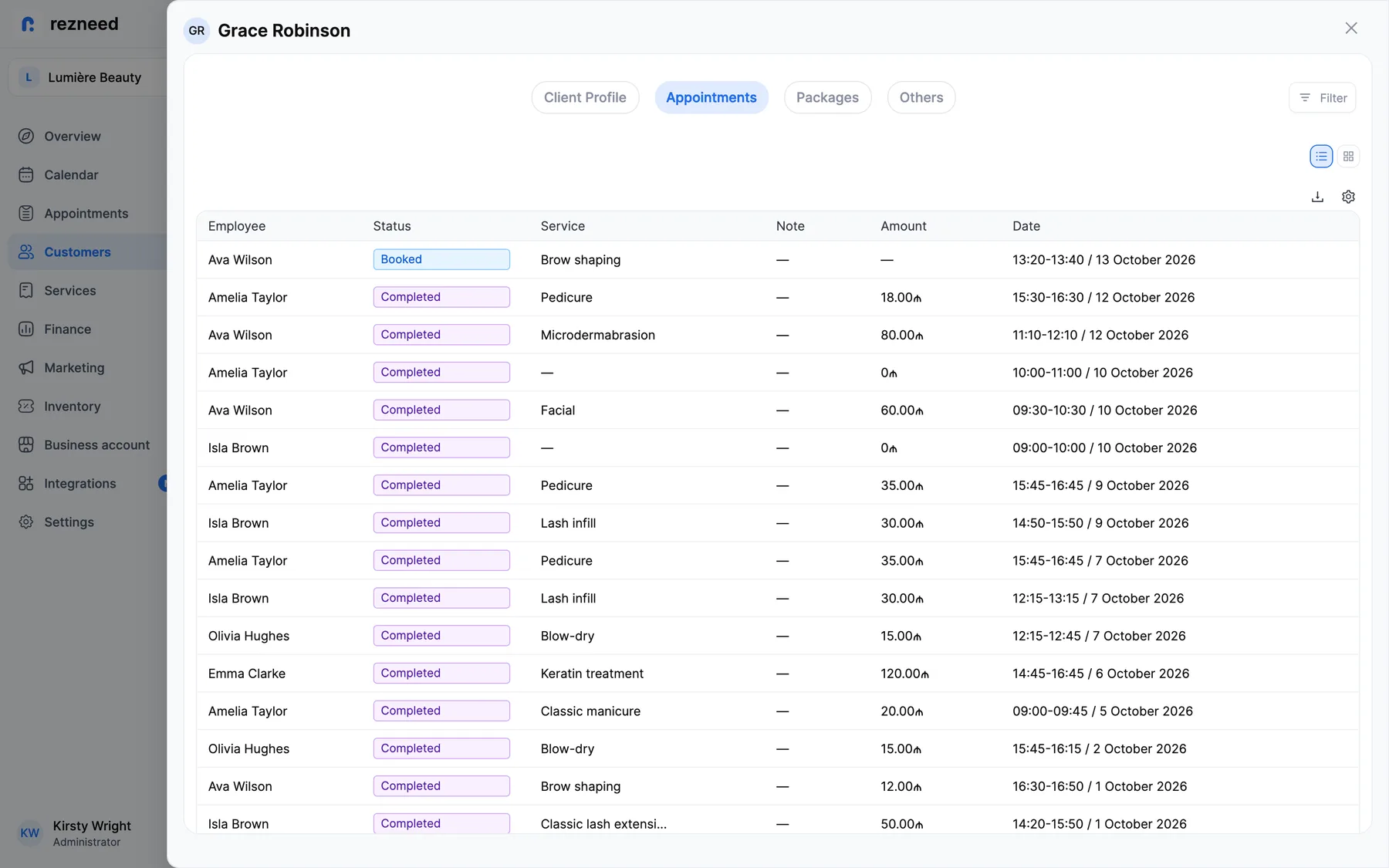
A good client card lets you recognise someone on their second visit: which service they had, which stylist they saw, which colour was used, what they paid. If the card holds only a name and a phone number, it is an address book, not a CRM.
Ask in the demo:
- Do visit history, payments, notes and tags appear on one card?
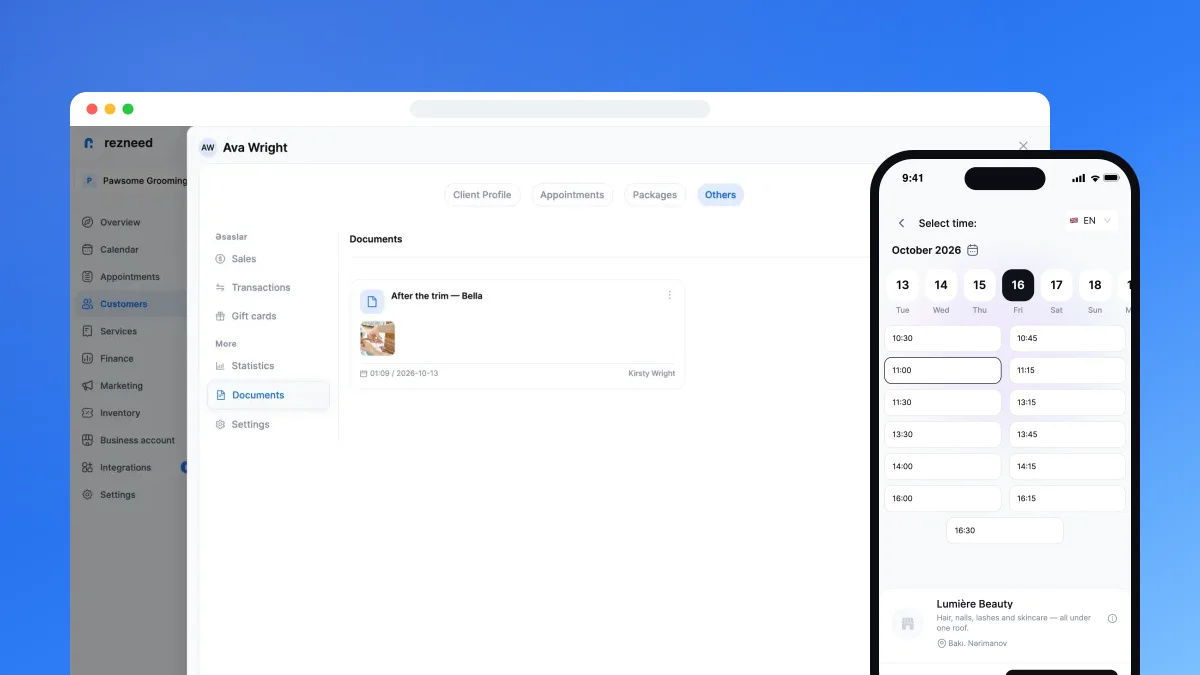
- Can you upload a file to the card, such as a result photo?
- If you have several locations, is the client card the same at all of them?
2. Is the CRM connected to bookings?
The most common problem: bookings live in one place and the client list in another. You end up recording every visit twice, and at month-end the numbers don’t match.
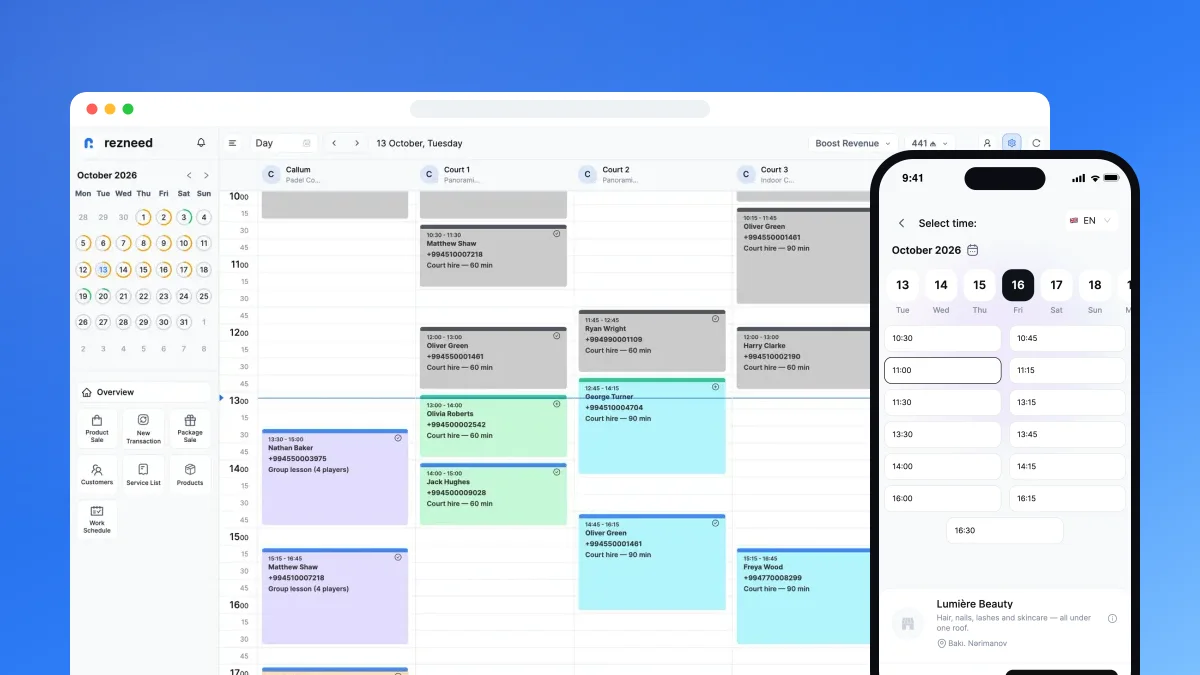
For a business that runs on appointments, the CRM should sit inside the calendar. When a client books online, their card should be created automatically and the visit should land in their history on its own.
Ask in the demo:
- Is a client card created automatically when someone books online?
- Can you open the client card from the calendar in one click?
3. Which channel do reminders use, and whose number do they come from?
A client who doesn’t turn up is an empty hour. A reminder before the visit is the simplest way to prevent it, and most clients read their messages on WhatsApp.
Ask in the demo:
- Do confirmations and reminders go out on WhatsApp from the business’s own number?
- Can you choose how many hours before the visit the reminder is sent?
- Do you pay per message for automatic reminders?
Message wording: WhatsApp reminder messages — ready-made templates.
4. Are clients grouped automatically?
The main payoff of a CRM is winning back clients who haven’t been in for a while. You shouldn’t have to search by hand for who hasn’t visited in 60 days or whose birthday is coming up.
Ask in the demo:
- Do lists of new, active and lapsed clients update themselves?
- Can you send that group a WhatsApp campaign and see the bookings it brought in?
- Do birthday messages go out automatically?
5. Do payments show on the client card?
To know how much a client spends, the till has to be part of the software. If the till lives in a separate system, “who are your best clients?” becomes a hard question.
Ask in the demo:
- When you close a visit, can you take cash, card or a split payment?
- Is staff commission calculated from each visit automatically?
Commission models explained: how to calculate staff commission.
6. Are there packages and gift cards?
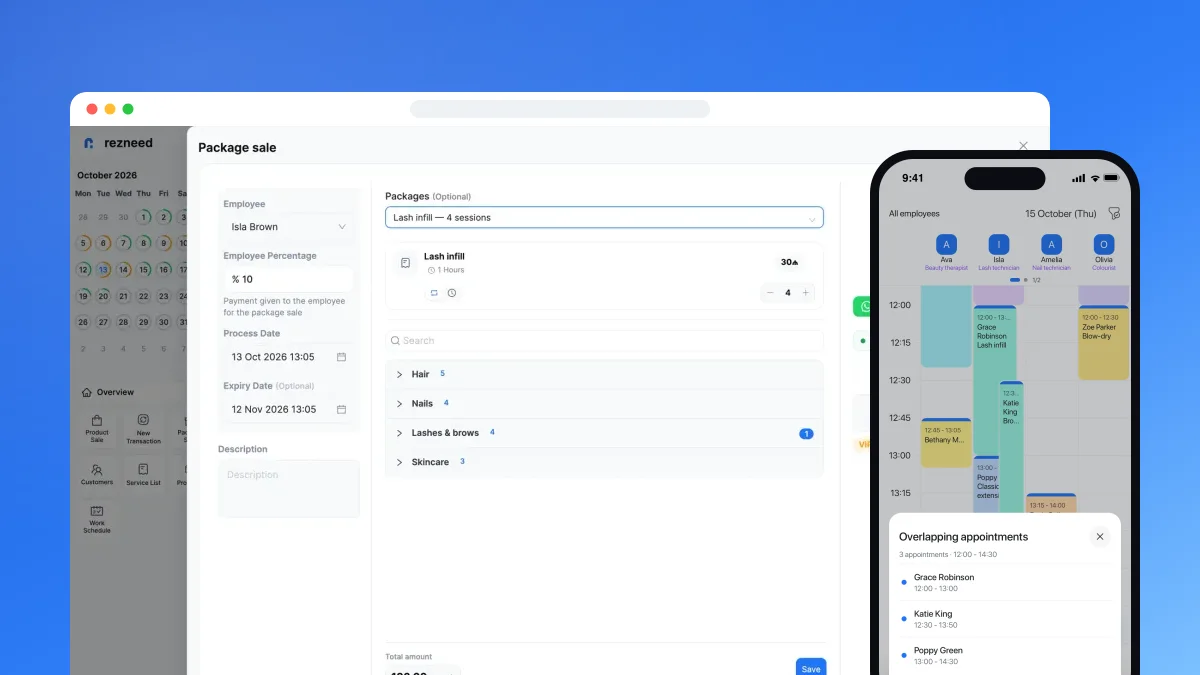
Session packages and gift cards bring clients back, but counting remaining sessions in a notebook leads to arguments.
Ask in the demo:
- Does the number of remaining sessions go down on its own?
- Can the client see how many sessions they have left?
- Can a gift card be spent in several parts?
7. Who can see the client list?
Your client list is the most valuable thing the business owns. When a staff member leaves, the list shouldn’t leave with them.
Ask in the demo:
- Are there roles such as admin, manager, reception and employee?
- Can you hide phone numbers or finances from a specific person?
- Is there a history of who changed each booking?
8. Can you work from your phone?
Owners aren’t always at a computer. The day’s bookings, the till and client details need to be available on a phone.
Ask in the demo:
- Is there an iOS and Android app, and what can it do?
- Which languages is the interface available in?
- Do clients get messages in their own language?
9. How is the price calculated?
When comparing prices, look beyond the monthly fee. Commission on bookings, setup fees and modules sold separately can multiply the total cost.
Ask in the demo:
- Is there commission on bookings or payments?
- Is every module included in every plan, or are they sold separately?
- How long is the free trial, and do you need a card?
- Can you export your data to Excel?
- Who helps you move over from your old system or paper diary?
How Rezneed answers these questions
In Rezneed the client database sits together with the calendar, the till and WhatsApp. The card holds visit history, payments, notes, tags, birthday, documents, packages and gift cards, and it is the same at every location. When a client books online, their card is created automatically.
Confirmations and reminders go out from your own WhatsApp number in the client’s language, and automatic messages cost nothing extra. Clients are grouped for you: new, active, not seen for 60 days, popular and upcoming birthdays. You can send these groups a WhatsApp campaign and see the bookings it brought in.
The till takes cash, card and split payments, and staff commission is calculated automatically. Packages and gift cards are linked to the client card. The team section has 4 roles and 13 per-person permissions, such as hiding phone numbers. There is an iOS and Android app, and more than 20 reports export to Excel.
There is no commission on bookings or payments, and every module is in every plan: pricing. Our support team helps you switch from your old system or paper diary.
Try it with your own clients: use Rezneed free for 45 days, no card required.