WhatsApp appointment reminders: 10 templates
What to send clients and when, so they read it, turn up and don't mistake you for spam. The rules, plus 10 WhatsApp reminder templates to copy.
The most-read messages between a salon and its clients aren’t ads — they’re booking confirmations and reminders. Clients expect them, because they’re about their own time. Written well, these messages mean clients don’t forget their appointment, let you know when they need to reschedule, and remember your salon as a well-run business.
Written badly, the opposite happens: a long, stiff, emoji-stuffed message gets closed unread — or worse, the client blocks your number.
Below are a few rules first, then 10 templates you can copy and use. Replace the parts in square brackets — [Name], [time] and so on — with your own details.
5 rules for a good service message
1. The key information goes in the first line. A notification shows only the first line. Don’t open with “Dear valued client, our salon would like to thank you…”. “Tomorrow 2 pm, hair colouring, with Aynur” — that’s your first line.
2. Use the client’s name. A message that opens with “Hi Leyla” doesn’t read like a mass send.
3. One message, one purpose. Don’t stuff a promotion, a new service and your Instagram link into a reminder. A reminder is a reminder.
4. An easy way to reply. The line “If you can’t make it, just reply to this message” turns some would-be no-shows into timely cancellations — and you can give the freed slot to someone else.
5. The salon’s name and a sign-off. The client should know immediately who sent the message, especially if your number isn’t in their contacts.
When to send
- Confirmation — as soon as the appointment is booked.
- Reminder — a few hours before the appointment. For morning appointments, the evening before also works.
- Thank-you and rating request — a few hours after the visit, while the client still remembers it.
- Birthday greeting — a few days before the birthday if you’re offering a gift (so the client has time to come in).
- Late at night and early in the morning — send nothing.
10 ready-made templates
1. Booking confirmation
Hi [Name]! Your appointment is confirmed: [date], [time], [service] with [stylist]. Address: [address]. If you need to change the time, just reply to this message. — [Salon]
2. Reminder before the appointment
[Name], just a reminder: you have a [service] appointment today at [time]. See you soon! If you can’t make it, please reply so we can offer the slot to another client. — [Salon]
3. Reminder with your address on the map (for first-time clients)
Hi [Name]! We look forward to seeing you tomorrow at [time]. To help you find us easily, we’ve sent our address on the map below. Entrance: [entrance description]. Parking: [short note]. — [Salon]
4. Rescheduled appointment
[Name], your appointment has been moved to [new date] at [new time], with [stylist]. If this time doesn’t suit you, reply and we’ll suggest another. — [Salon]
5. Cancellation confirmed
[Name], your appointment on [date] at [time] has been cancelled. If you’d like to pick a new time, the free slots are here: [booking link]. — [Salon]
6. Thank-you and rating after the visit
[Name], thank you for choosing us today! How would you rate your appointment with [stylist] from 1 to 5? Your feedback really matters to us. — [Salon]
7. Birthday greeting
Happy birthday, [Name]! 🎉 Our gift to you this month: [X]% off any service until [date]. Book here: [booking link]. — [Salon]
One emoji is enough. A discount isn’t required in a birthday message — a simple, sincere greeting is remembered too.
8. When the next appointment is due
Hi [Name]! It’s been [N] weeks since your last [service] — usually about the time for a refresh. [Stylist] has free slots this week: [booking link]. — [Salon]
This template works well for regular services: manicures, haircuts, lashes, brows.
9. A client you haven’t seen in a while
[Name], we haven’t seen you in a while! Is everything OK? If you’d like to come back, your next appointment comes with [gift/discount] from us. Free slots: [booking link]. — [Salon]
Send this message once. If there’s no reply, don’t repeat it.
10. Sessions left in a package
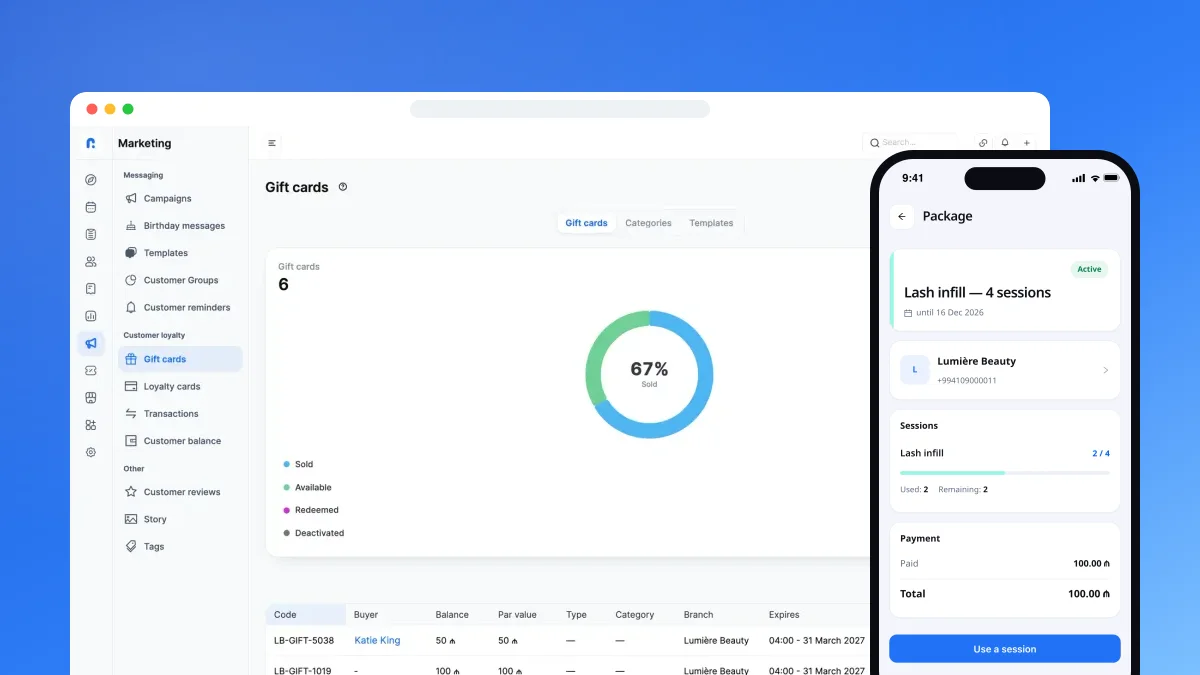
[Name], you have [N] sessions left in your package, and it expires on [date]. You can pick your next session now: [booking link]. — [Salon]
Tone: formal or casual?
A polite, friendly tone without slang suits most clients. The exception is a barbershop or studio with a young audience, if you already talk to clients casually on Instagram. The main rule: keep the same tone across every message. When the confirmation is formal and the promotion is chatty, the messages look as if they came from two different places.
If some of your clients speak another language, prepare the templates in their language too. Clients read a short message in their own language more carefully.
3 template mistakes
Text that’s too long. A reminder shouldn’t run longer than three or four lines. Keep your policies, price list and Instagram link somewhere else.
ALL CAPS. “ATTENTION! YOUR APPOINTMENT IS TOMORROW!” reads like shouting. An ordinary sentence works better.
Replies nobody answers. If a client replies “I can’t make it” and nobody responds, they won’t bother next time. If you send automated messages, decide who will check the replies.
How not to be spam
On WhatsApp, getting your number blocked means losing both the client and the number. A few simple rules:
- Service messages (confirmations, reminders) go only to clients with an appointment — these are messages the client expects.
- Send promotional messages to a selected group, not your whole client list: clients with a birthday, clients you haven’t seen in a while, clients who bought a particular service.
- Don’t send more than one or two campaigns a month.
- If a client says “please stop messaging me”, take them off the list straight away.
More on how messages affect no-shows: Why don’t clients show up? 6 ways to cut no-shows.
How Rezneed sends these messages
Rezneed sends confirmations, reminders and birthday greetings automatically — in one of two ways:
- From your own WhatsApp number — you connect it with a QR code, and clients get messages from a number they know. One number is included in the Single, Premium and Business plans; on the Basic plan it’s an add-on at 15 ₼ a month per location.
- Through an official WhatsApp Business account (Meta) — for higher volumes, from 85 ₼ a month.
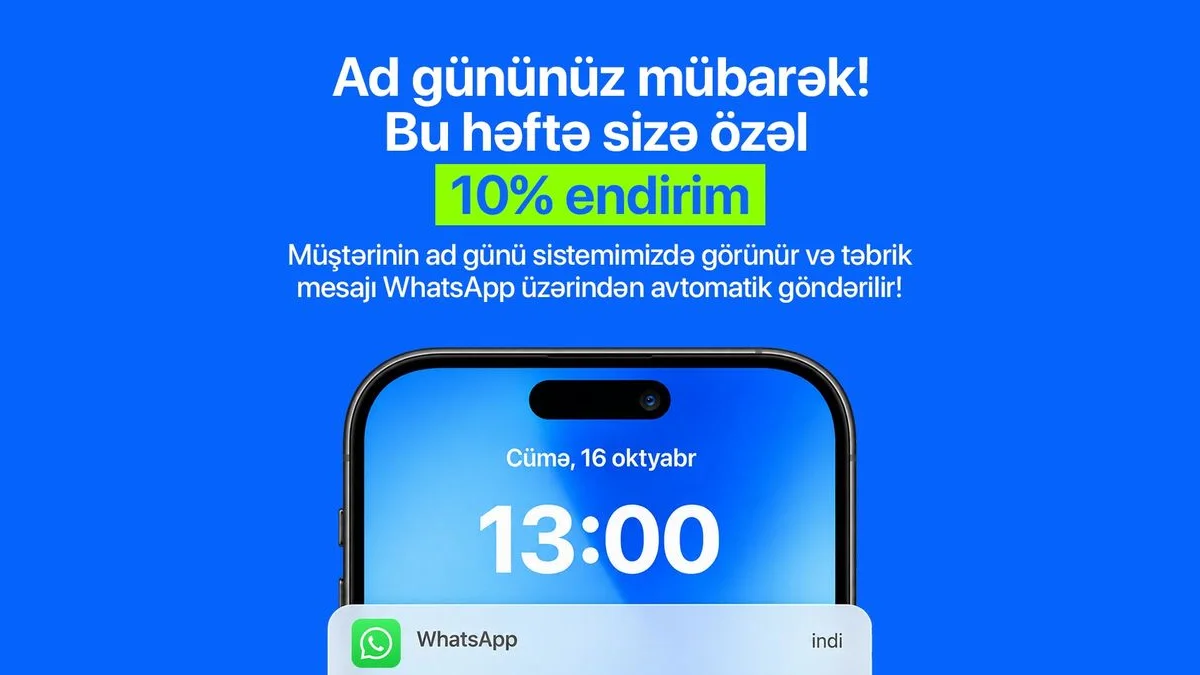
In the WhatsApp section you choose, per location, how many hours before the appointment the reminder goes out (the default is 2 hours), and you can add your address on the map to the message. Messages go out in the client’s language. Birthday greetings are sent automatically as many days in advance as you set, and after the visit the client receives a rating request.
In the marketing section you save your own templates and send campaigns to ready-made client groups — new, active, not seen in 60 days, birthday clients — or to tags. Campaigns can be scheduled or set to repeat, and the appointments and revenue each campaign brings in are shown separately. Automatic confirmations and reminders don’t use your message balance; campaigns do, and new accounts get 500 free messages.
Try the templates with your own clients: start Rezneed free for 45 days, no card required.