Why don't clients show up? 6 ways to cut no-shows
A client who doesn't show up leaves an empty slot, and an empty slot is lost money. From WhatsApp reminders to a cancellation policy: six ways that work.
Say two appointments a day fall through at your salon, each an hour long, with an average ticket of 45 ₼. Over 26 working days that’s 52 hours and more than 2,300 ₼ of lost revenue a month. Meanwhile the stylist sits idle and your costs keep running.
To work out your own numbers, use the no-show calculator — it takes a minute.
No-shows never drop to zero. But you can bring them down considerably, and there are six ways to do it.
1. Reminder messages — the cheapest and most effective
The biggest cause isn’t bad intent, it’s forgetting. Especially when the appointment was booked a week ahead.
The rule that works:
- A confirmation the moment the appointment is booked — date, time, service, stylist’s name.
- A reminder a few hours before — when the client is planning their day.
- For long, expensive services (colouring, keratin, tattoos), an extra personal reminder the day before.
The wording matters. “We’ll see you tomorrow at 2 pm” — good. “We’ll see you tomorrow at 2 pm. If you can’t make it, just reply to this message and we’ll move it” — better, because it gives the client an easy way to cancel. A cancelled slot beats an empty one: you have time to fill it.
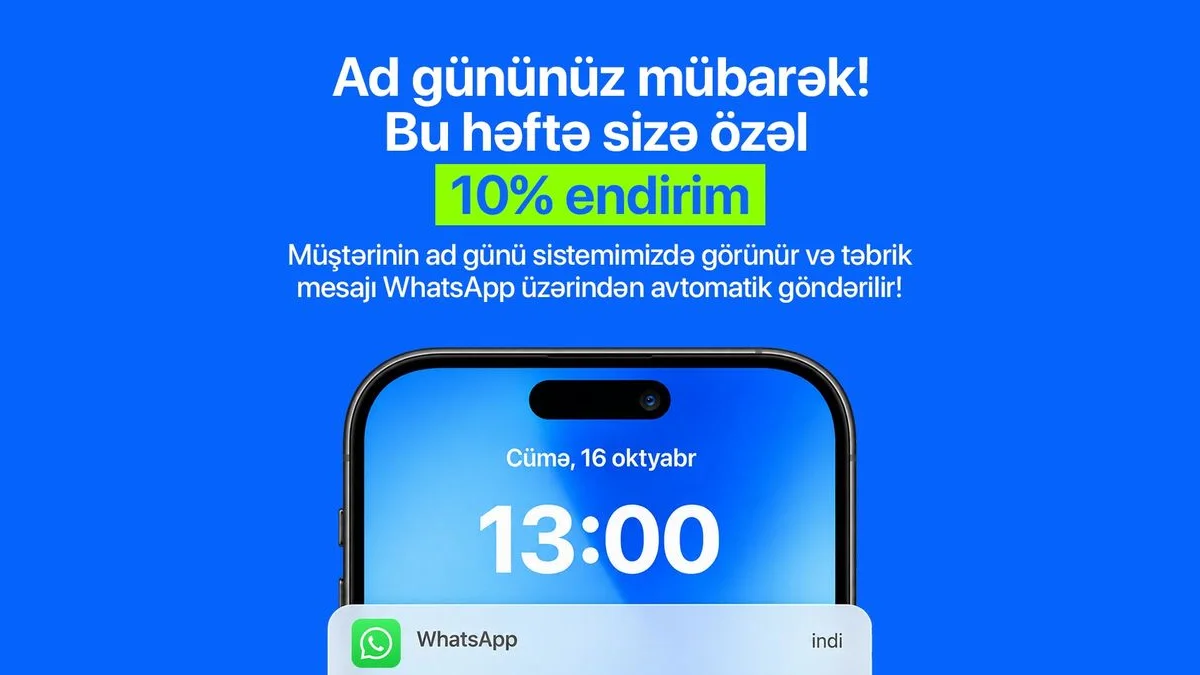
WhatsApp is handy here: clients open it many times a day anyway and reply right there. For ready-made wording, see WhatsApp reminder templates.
2. Put your cancellation policy in writing
Many salons have no cancellation policy, or it exists only in the receptionist’s head. The client doesn’t know how much notice they’re expected to give.
Write a short, clear rule: “Please cancel or reschedule at least 3 hours before your appointment.” Put it in the booking confirmation, in your Instagram bio and somewhere visible in the salon. For ready-made wording, use the cancellation policy generator.
Some salons take a deposit for long sessions (tattoos, bridal hair). If you do, state the amount and the refund terms clearly in the policy — the client shouldn’t be surprised later.
3. Record no-shows so you can see them
In many salons no-shows aren’t written down anywhere. As a result, the same client fails to turn up a third time and nobody notices.
Record every no-show on the client’s card — with a note or a tag. Then a simple rule:
- One no-show — normal, do nothing.
- Two no-shows — confirm their next appointment by phone.
- Three no-shows — block the client so they can’t book online; take their bookings by phone only.
This rule isn’t about punishing the client. It’s about protecting your calendar.
4. Make cancelling easy
It sounds like a paradox, but it makes sense: the easier it is to cancel, the fewer people silently don’t show up. Clients are reluctant to call and say “I can’t make it” — they’re embarrassed, short on time, or the salon is closed. So they say nothing and simply don’t come.
One-tap cancellation gives you that slot back in advance.
5. Fill the freed-up slot
A cancelled slot isn’t automatically lost — as long as you know who to tell.
A practical method: tag the clients who say “let me know if anything opens up this week”. When a slot frees up, send that group one message: “A 3 pm slot just opened today — reply if you’d like it”. This doesn’t need a special system — you just need to build the list in advance.
6. Let clients book themselves
Clients are more committed to an appointment they booked themselves — they chose the time. A phone booking can be a polite “yes” to “does this time suit you?”.
An online booking link also works at night. Some clients want to book exactly when the salon is closed — without a link, they’ll either call tomorrow or book somewhere else. On setting up the link: How to add a booking link to your Instagram bio.
Where to start
You don’t need to do everything at once. Start with reminders — they give the most visible difference for the least effort. After a month, write your cancellation policy as the second step; in month three, start recording no-shows. After each step, wait a month and compare, so you can see what’s working.
How it works in Rezneed
Confirmations and reminders go out automatically from your own WhatsApp number — the client doesn’t get a message from an unknown number, and the message is in their language. You set how many hours before the appointment the reminder goes out, per location (the default is 2 hours), and you can add your location on the map to the message. Automatic confirmations and reminders don’t come out of your message balance. You can also send an individual client a one-off reminder by hand.
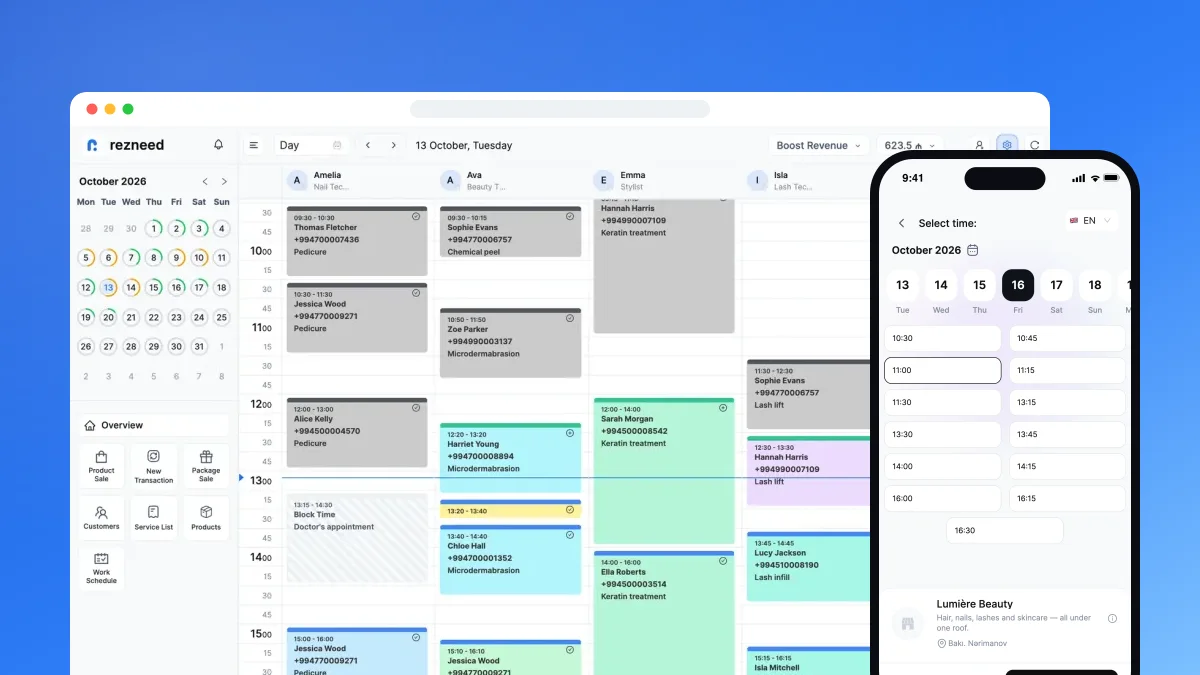
The online booking link shows only genuinely free slots, and clients can cancel their own appointment up to the cut-off you set. When an appointment is cancelled, it shows up in the calendar immediately.
You cancel a missed visit with the reason “Customer did not come” and can add a note and a tag on the client card; when needed, you can also block a client. And the “let me know if a slot opens” group gets a WhatsApp message by tag from the marketing section.
Try reminders with your own clients: start Rezneed free for 45 days, no card required.