Roles in Rezneed: admin, manager, reception and employee
When everyone has the same access, chaos follows. Rezneed has 4 roles and 13 per-person permissions: who sees and changes what, and how to assign them.

What happens when everyone in a system has the same permissions? Chaos. That’s why Rezneed has 4 different roles, and when each role is in its place, the business runs faster and more smoothly.
Roles aren’t about mistrust, they’re about order. A specialist shouldn’t see the financial reports, because they don’t need them. Reception should see client phone numbers, because that’s their job. Well-assigned roles cut down on both mistakes and unnecessary questions.

The 4 roles
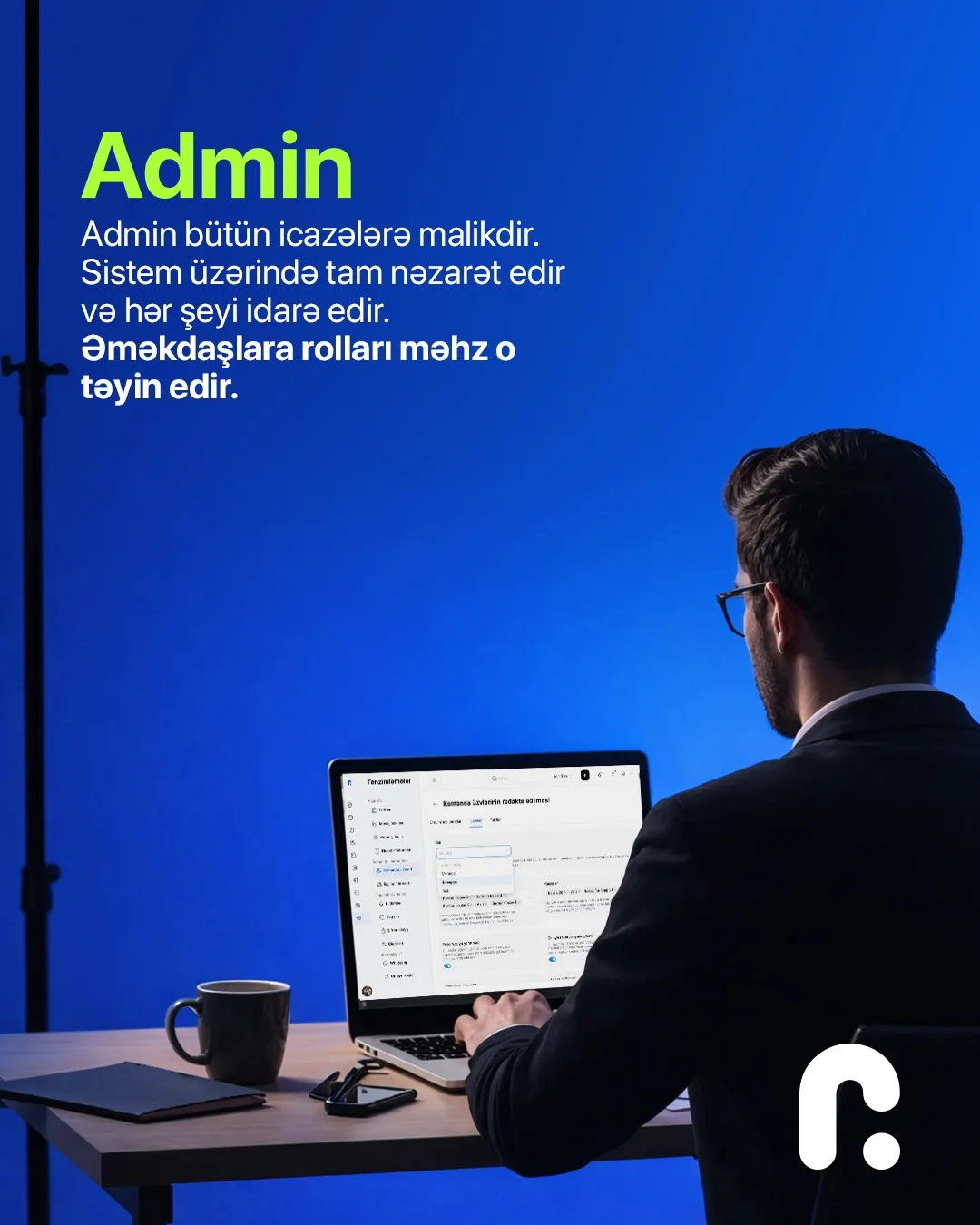
Admin — full control, full permissions. The admin has every permission: they see every section of the system, change the settings, and they’re the one who assigns roles to staff. Usually this is the business owner or the person closest to them.
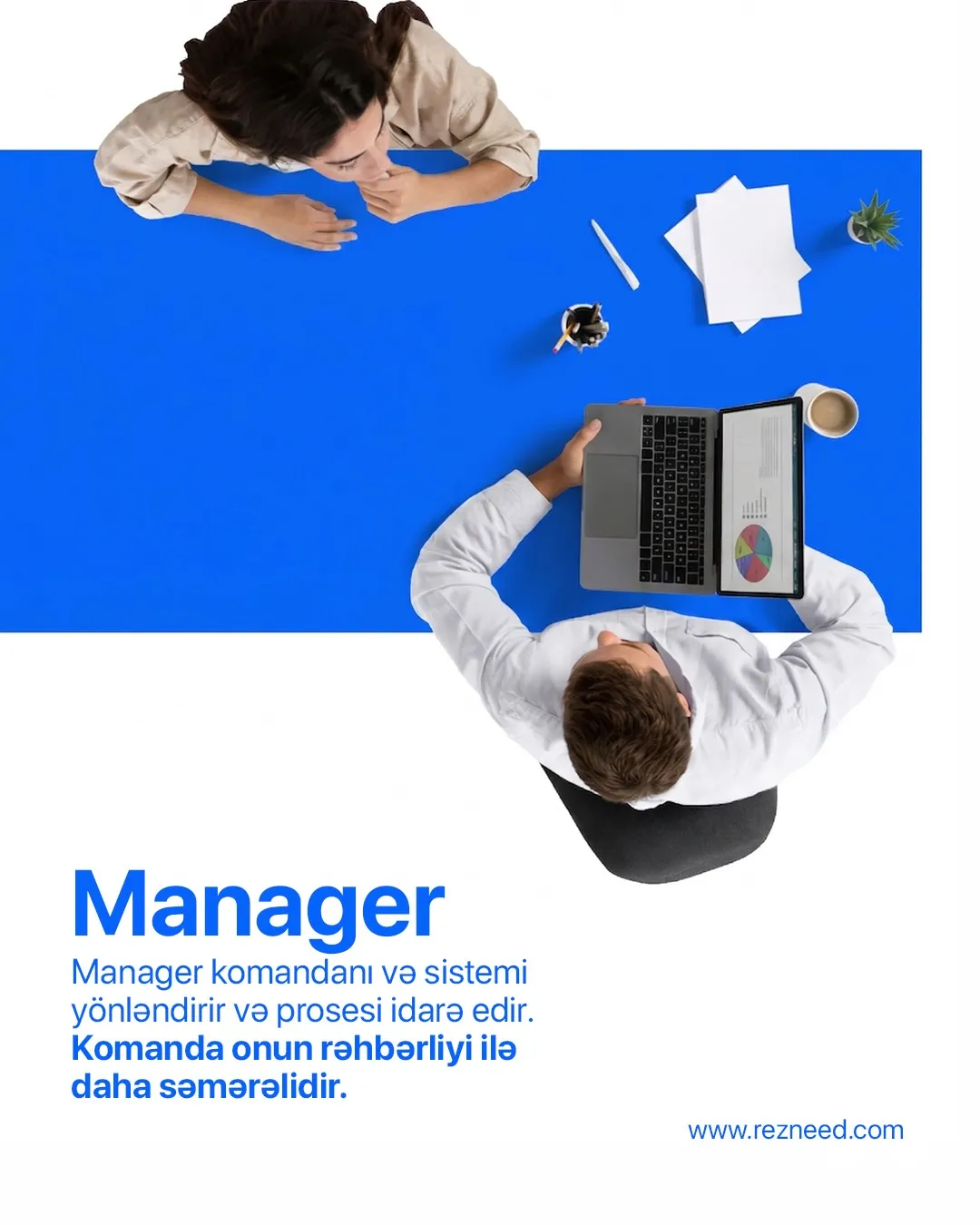
Manager — runs the day-to-day: the team’s schedule, bookings and clients. The owner doesn’t have to be there for things to keep moving.
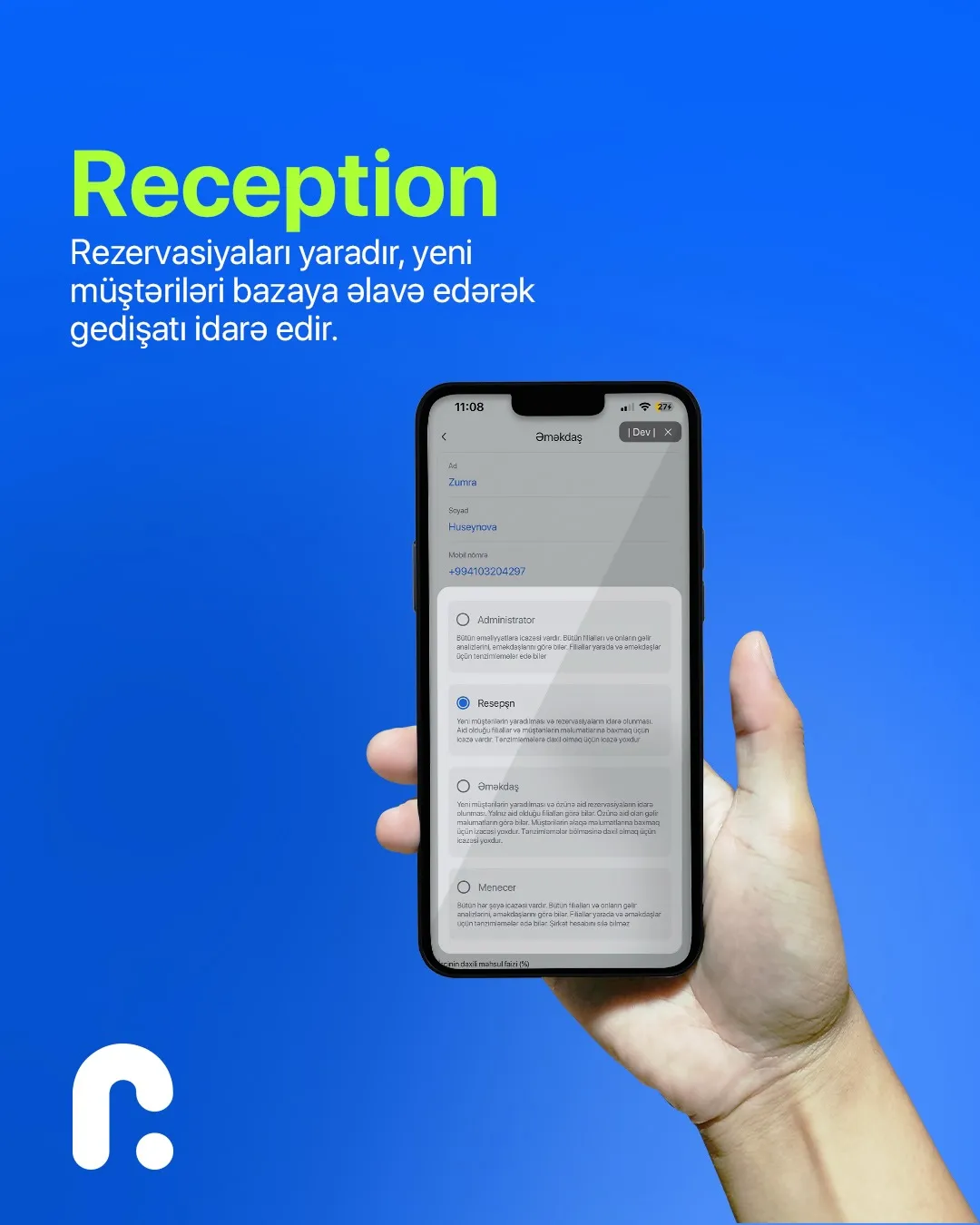
Reception — takes bookings and adds new clients to the base. Welcomes clients, keeps visits on track and takes payments at the till.
Employee — works only with the functions that concern them. A specialist sees their own calendar and their own clients; they have no access to other people’s work or to the business’s finances.
13 per-person permissions
The role is the starting point. On top of that, permissions are fine-tuned for each person, for example:
- Hide phone numbers — the specialist sees the client, but not their number. This protects your client base from “leaving” along with a member of staff.
- Hide finances — revenue, expenses and reports are open only to the people who need them.
- Till for reception only — the money is one person’s responsibility.
- Access to all clients or only their own, cancelling bookings, blocking time, stock operations and so on.
How to assign roles
- Keep admins to one or two people. Making everyone an admin defeats the point of roles.
- Give the till to one person. At the end of the month, you won’t have to hunt for where a discrepancy came from.
- Give specialists what they need. Their own calendar and their own clients are enough; extra sections only distract.
- Close access as soon as someone leaves. The client base and history stay in the business’s system, not on the employee’s phone.
Who changed what and when stays in the booking’s history. That’s handy for checking roles too.
Roles and permissions are set up in the Team section. If you’d like to try roles for your team, open a free 45-day Rezneed account.