Dental clinic software: what to look for
Tooth chart, per-tooth treatment plans, X-rays, instalment payments, reminders and staff permissions: a checklist for choosing dental clinic software.

A dental clinic can’t be run on an ordinary appointment book. In a beauty salon, one appointment is one service. In dentistry, a patient comes for a course of treatment that can run for months: a root canal today, a filling next week, a crown a month from now. Every step relates to a specific tooth, each one has its own price, and patients often pay in instalments.
That’s why a generic “booking app” solves only part of a clinic’s problems. Below are seven areas to check when choosing software for a dental clinic — each with specific questions to ask during the demo.
1. Odontogram
An odontogram is a tooth-by-tooth chart of the mouth. The condition of each tooth (healthy, caries, filling, root canal, extracted, implant) is marked on the chart, and the patient’s history is visible at a glance.
On a paper record, this is a hand-drawn diagram that every dentist fills in their own way. In software, the chart is standardised, and the next dentist to open the patient’s record sees immediately what’s been done.
Ask in the demo:
- Does it use the international FDI numbering system?
- Are milk teeth included, or only permanent teeth? If you treat children, this matters.
- Does the odontogram work only on a computer, or can the dentist open it on a phone too?
2. Per-tooth treatment plans
Presenting a treatment plan is the clinic’s key sales moment. The patient decides once they see what will be done to which tooth, how many visits it will take and the total price.
In good software, the plan is tied to the tooth: tooth 16 — root canal treatment, tooth 36 — filling, tooth 46 — implant. Each stage has a price, and the ones already done are marked off.
Ask in the demo:
- Is the plan tied to specific teeth, or is it just a list of services?
- Can you see which parts of the plan are done and which remain?
3. Documents and files
X-rays, records from a previous clinic, test results — these belong on the patient’s record, not in the dentist’s phone gallery.
Ask in the demo:
- Can you upload files to the patient record, and in which formats?
- Are files visible across all locations?
- Can patients attach files themselves when booking (for example, a previous X-ray)?
4. Instalment payments and treatment packages
Most patients don’t pay for a large course of treatment in one go. But the clinic needs to know at any moment who has paid how much, how much is outstanding and which sessions have already been used.
Tracking this in Excel or a notebook leads to disputes. In software, the course of treatment is sold as a package: the number of sessions, the validity period and the payments all in one place.
Ask in the demo:
- Can a package be sold with instalment payments?
- Does the number of remaining sessions go down automatically?
- How are refunds handled?
- Does the till accept split payments in cash and by card?
5. Reminders
In a dental clinic, a patient who doesn’t show up isn’t just an empty slot — the treatment plan gets disrupted. A patient walking around with a temporary filling who comes two weeks late may have to start the work over.
Automatic confirmations and reminders remove much of that risk. Most patients already use WhatsApp, so that’s the channel. For message templates: WhatsApp reminder messages — 10 ready-made templates.
Ask in the demo:
- Do messages go out from the clinic’s own number?
- Can you choose when the reminder is sent?
- Are messages sent in the patient’s language (important for patients who speak another language)?
6. Staff permissions
Reception, dentists, assistants and management all work in the same system, but not everyone should see everything. Reception books appointments and takes payments but doesn’t see the clinic’s overall finances. A dentist sees their own patients but can’t export the patient list with phone numbers.
Ask in the demo:
- Are there roles, or does everyone sign in as admin?
- Can phone numbers be hidden?
- Can finances be hidden from a specific staff member?
- Is there a history of who changed what?
7. Dentist commission and reports
Most dentists work on a percentage or a fixed amount per service. If the calculation is done by hand at month end, disputes are inevitable. The software should calculate the commission from every completed appointment and show the report line by line. More on commission models: How to calculate staff commission.
Ask in the demo:
- Can commission be set separately for each service?
- Can reports be exported to Excel?
- With several locations, are reports split by location?
How to make the switch in a clinic
Once the software is chosen, the hardest part is leaving the old way behind. In a dental clinic it’s a little different from a beauty salon, because active treatment courses can’t be left half-finished.
- Move appointments and schedules first. Dentists, working hours, services and future appointments — that’s the first week’s work.
- Start with active patients. Fill in the odontogram and plan for patients currently in treatment first. Archive patients are added at their next visit.
- Start payments from the balance, not from zero. For a patient paying in instalments, enter only the outstanding amount and the remaining sessions.
- Pilot it with one dentist. Run one dentist’s appointments fully in the software for a week or two, then move everyone over.
For a general switching plan: From paper notebook to online booking — 7 steps.
Three more questions before you choose
- Is there a free trial? It’s hard to judge software without at least a month with real patients.
- Can you get your data out? If you ever want to change software, you should be able to take your database with you.
- What language is support in, and how fast do they reply? A problem on a clinic day can’t wait until tomorrow.
Rezneed for dental clinics
In Rezneed, the odontogram works in the web panel and the mobile app: FDI numbering, permanent and milk teeth, and a treatment plan tied to each tooth.
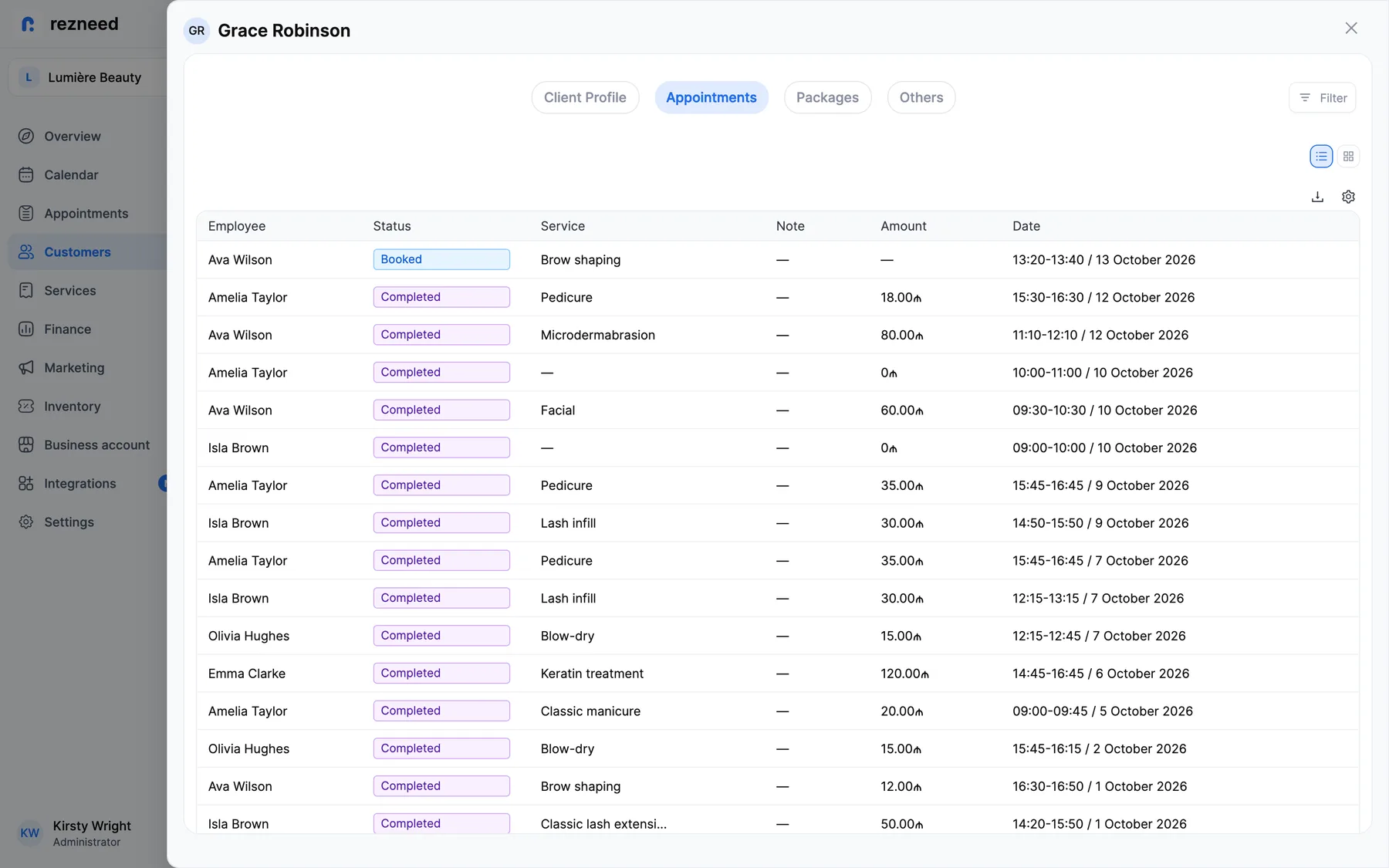
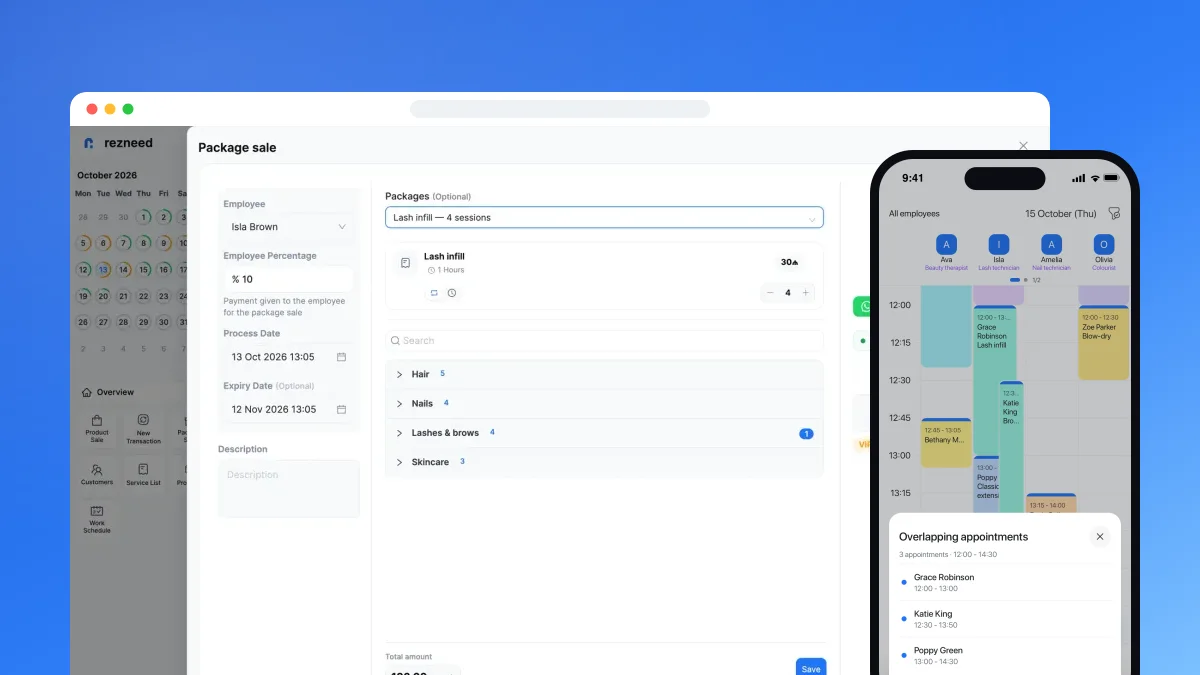
The patient record holds history, notes, tags and uploaded files; when booking online, patients can attach up to 10 files themselves. Treatment courses are sold as packages — with a session count, validity period, instalment payments and refunds — and patients see their remaining sessions in their own portal. The till accepts cash, card and split payments.
Confirmations and reminders go out from the clinic’s own WhatsApp number in the patient’s language. The team section has 4 roles and 13 per-person permissions — for example, hiding phone numbers or finances — and any change to an appointment shows up in its history. Dentist commission is calculated per service as a percentage or a fixed amount, and 20+ reports export to Excel.
Everything Rezneed offers for dentistry: Rezneed for dental clinics.
Try the odontogram with your own patients: start Rezneed free for 45 days, no card required.